Saving, exporting, and slicing
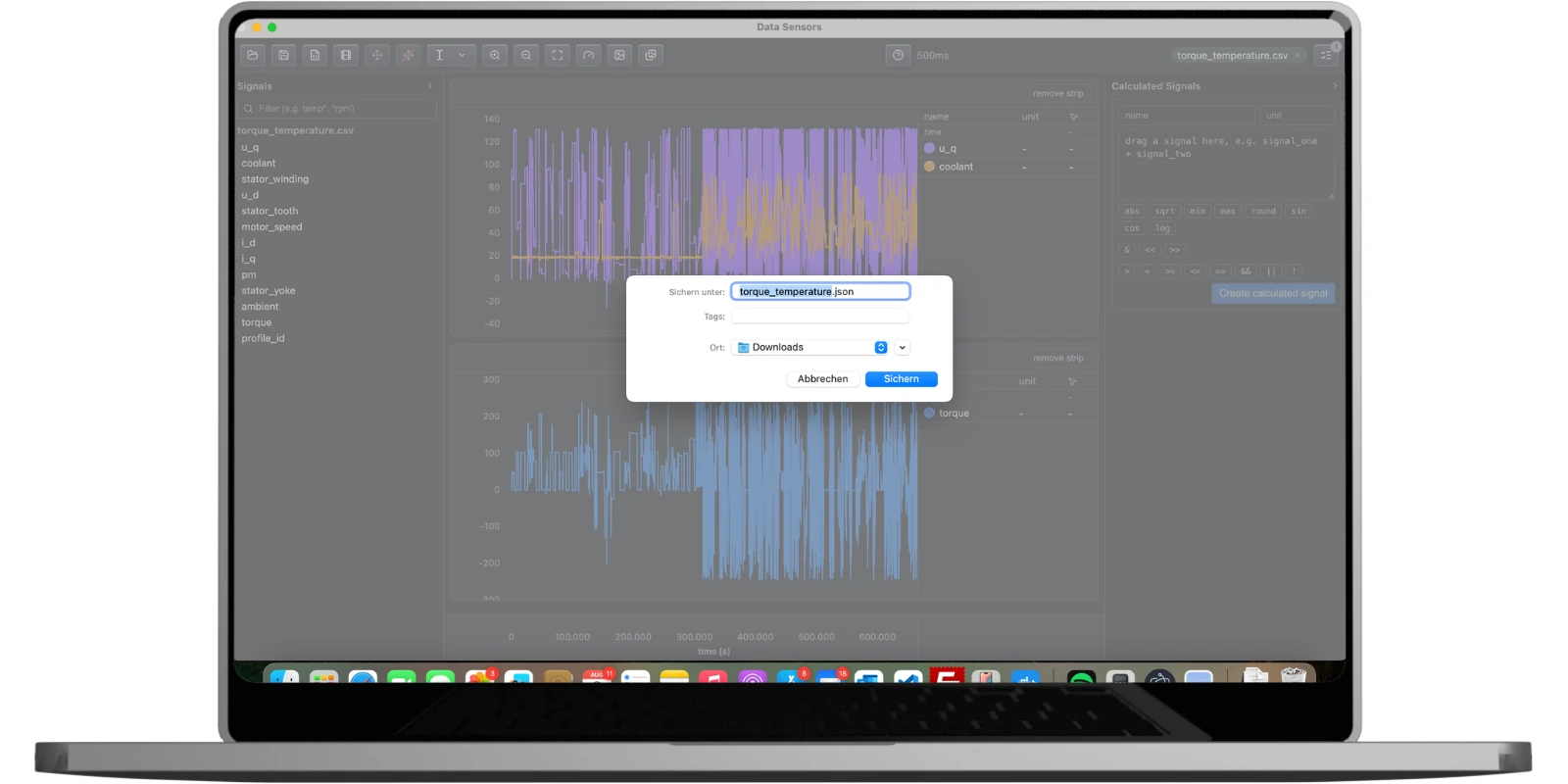
Save Configuration writes the current strip layout, which signals are on each, calculated signals, virtual sensor signals, strip background color, zoom level, and cursor positions to a single JSON file. Save behaves like Save As until something has been saved or opened this session, then overwrites that same file silently; Save As always prompts for a location. Open Configuration restores a saved file, and also reopens the measurement file it was saved against if that file is still at the same path. The window title shows the open config's name and picks up an asterisk the instant anything changes.
Any strip, or all of them at once (including ones currently scrolled off-screen), can be exported as a PNG for a report, with the source file's own path stamped at the bottom of the image. Slice & Export writes a time-sliced copy of the loaded measurement back out, in the same format it was opened in or a different one.