License Data Sensors Without an Account
No sign-in, no usage data, and no phone-home, whether on trial or licensed. A license is either a file bound to one machine or a company-run license server shared across a team, and that's the entire licensing model.
Single Machine or Floating
A Single Machine license is node-locked to one device, for one engineer. A Floating license is a pool of concurrent-use seats (minimum five) shared by any number of named users in your organization, enforced by a license server you run yourself, on your own infrastructure - Docker or plain Node, no managed cloud dependency. Both come in two capability tiers: Viewer, which covers viewing measurement data and Simulink/Stateflow models and training and comparing virtual sensors, and Virtual Sensor, which adds the right to export a trained model to deployable C/C++, Python, or MATLAB code.
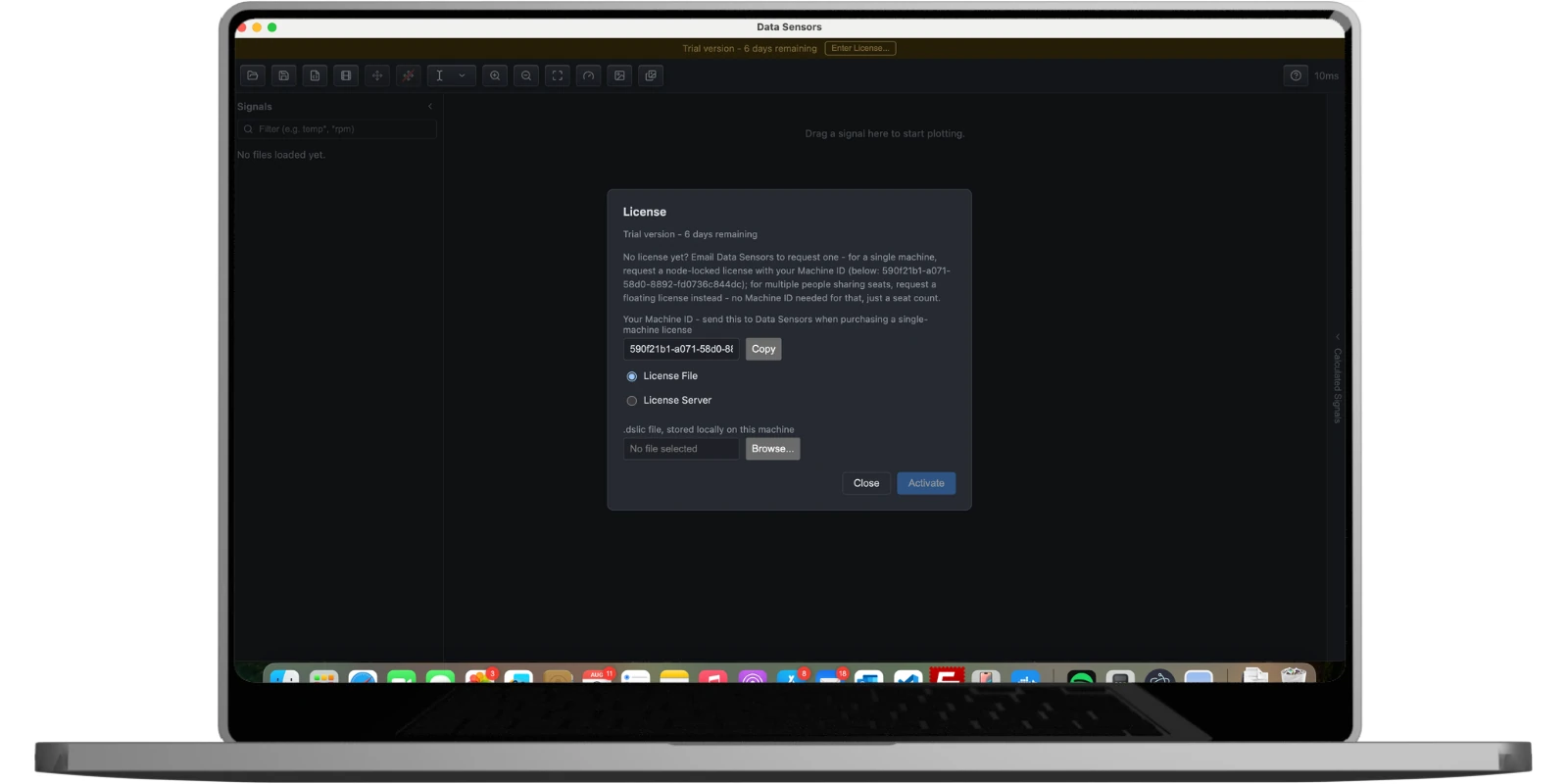
Activation: a file or a server URL, nothing else
The License dialog (Cmd/Ctrl+Shift+L) shows your machine's own ID to send when purchasing a Single
Machine license, and lets you activate with either a .dslic license file stored locally on
that machine, or a license server URL for a floating license. There's no account to create and no
license portal to sign in to - activation is entirely local to the app.
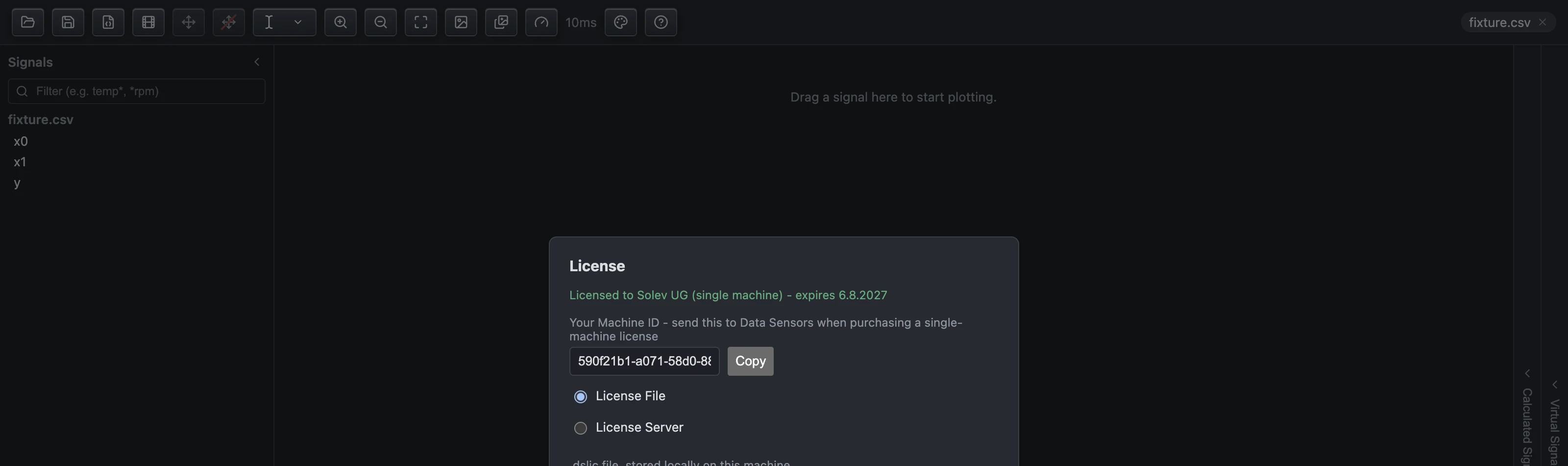
A 7-day trial
Without a license configured, Data Sensors runs as a trial for 7 days from first launch, at full Viewer capability - every model type available to view and train, with the same measurement and Simulink/Stateflow viewer as a paid license, and nothing missing except the right to export trained models to code. A banner across the top shows the days remaining. No payment details or account are needed to start the trial, and nothing about your usage is ever sent anywhere, trial or licensed.

One-year term, renewal without reinstalling
A paid license runs for a one-year term. Renewing replaces the license file (or the file loaded by your own license server, for a Floating license) - there's no reinstall step and no re-activation flow to repeat. See the Terms and Conditions for the full license terms, including what happens to models and code you've already exported if a license lapses (nothing - exported code is yours to keep and use regardless). See Pricing for the current Trial, Single Machine, and Floating rates.