Data Sensors
Analyze measurements and Simulink models, build virtual sensors
Data Sensors combines a measurement data viewer, a Simulink and Stateflow model viewer, and tools for training virtual sensors. Train a virtual sensor from measurement data, compare it against alternative model types, and export it as standalone C/C++, Python, or MATLAB code, ready to run on an MCU, in a Simulink block, or in any other environment. Data Sensors runs fully offline, with no cloud dependency and no accounts.
Virtual Sensors
Computing a measured quantity from existing signals instead of measuring it: what that is, how it works, and where the data stays.
Virtual Sensors
A virtual sensor is a regression model that computes a measured quantity from channels you already record. Where the target quantity can be reconstructed from them, the physical sensor can be dropped from the series product.
Learn moreA virtual sensor in three steps
Import the data, train the model, export C code. All three steps run in the same application on your own machine.
Learn moreEdge AI
Training the virtual sensor runs on the local machine or server inside the company network; inference runs exclusively on the ECU. No external service is involved.
Learn moreData sovereignty
Measurement data from testing and calibration is IP-relevant company confidential material. It is not uploaded, neither to a cloud nor to an AI provider.
Learn moreNo Code
Virtual sensors without a Python environment, without notebooks and without hand-picked hyperparameters. The deployable code is generated, not written.
Learn moreFeatures
From a raw measurement file to an exportable sensor model, with no data sent to third parties.
Measurement Viewer
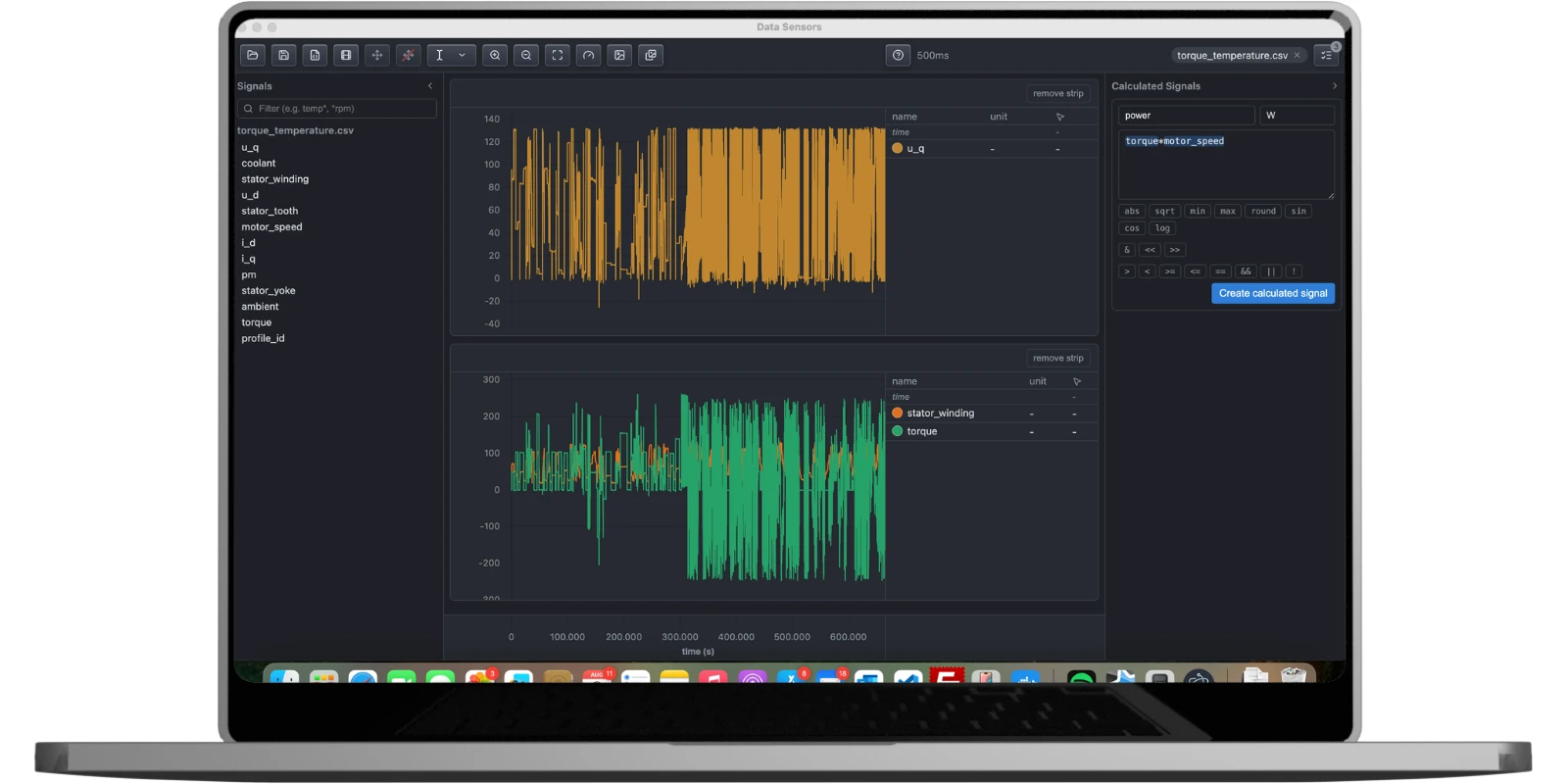
Open CSV, MAT, MDF/MF4, or TXT files - or import a CAN bus trace - and view any number of channels across multiple strips, with independent per-strip axis grouping, dual draggable cursors, and zoom/pan synced across every strip.
Learn more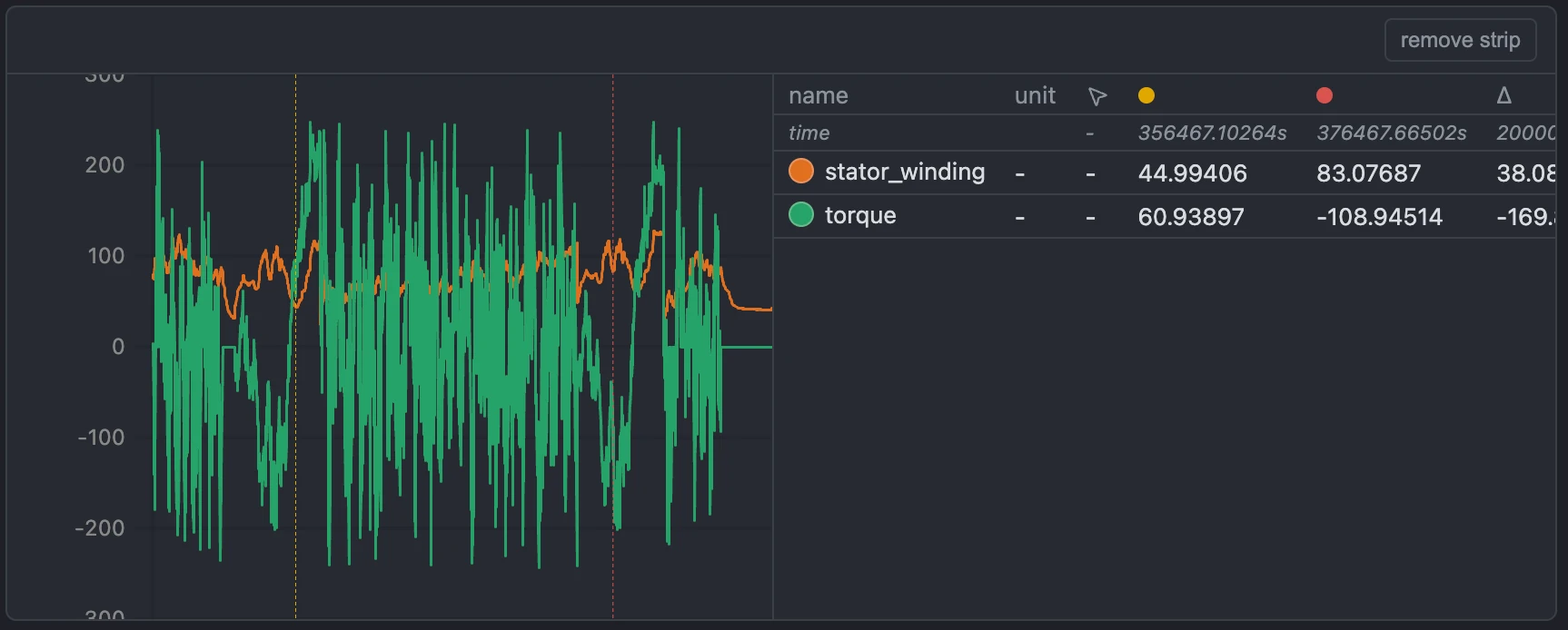
Simulink Viewer
Open a .mdl or .slx block diagram and any linked Stateflow chart read-only, with block icons, parameters, and signal tracing - no MATLAB or Simulink license required, so engineers who only need to review a model never need a seat of their own.
Learn more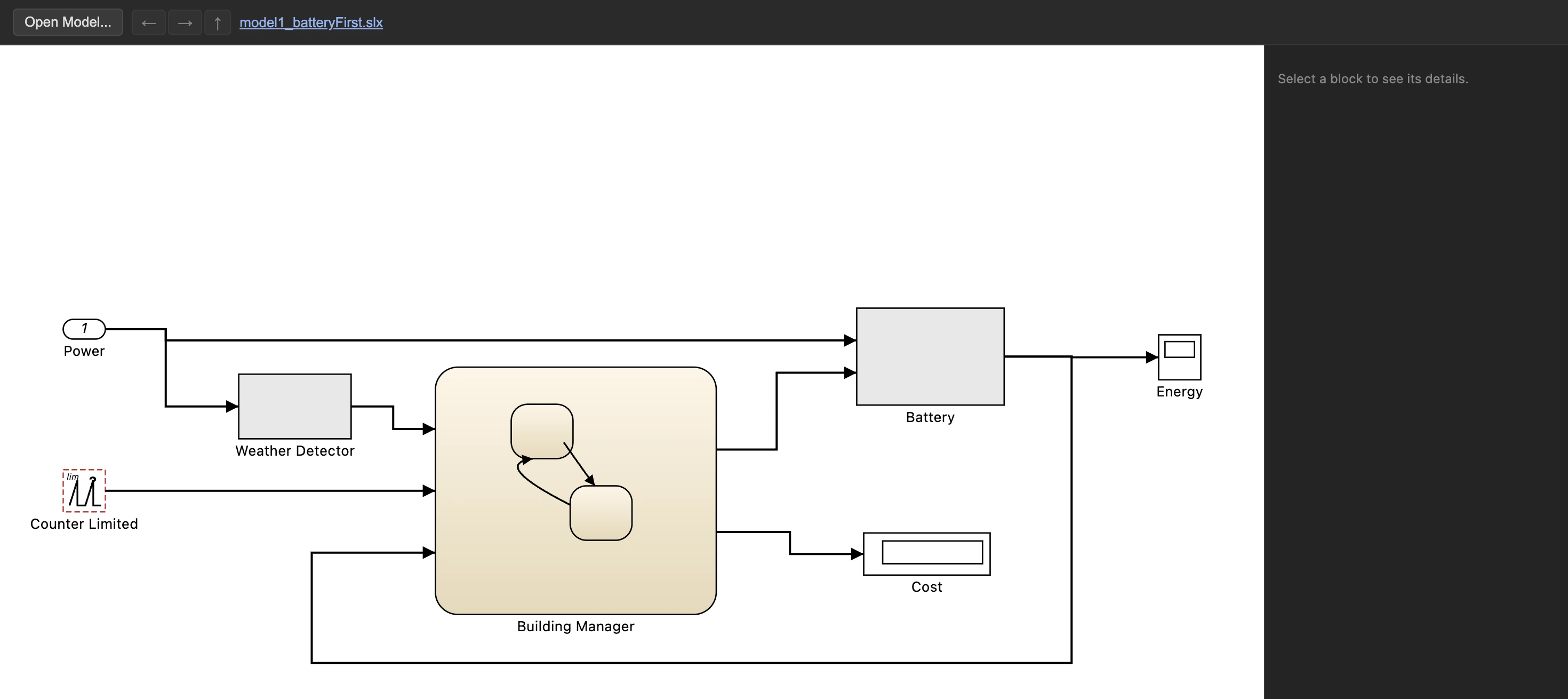
Calculated Signals
Derive new channels from existing ones with a live formula editor that references any measured or already-calculated signal by name, flagging malformed expressions when you save.
Learn more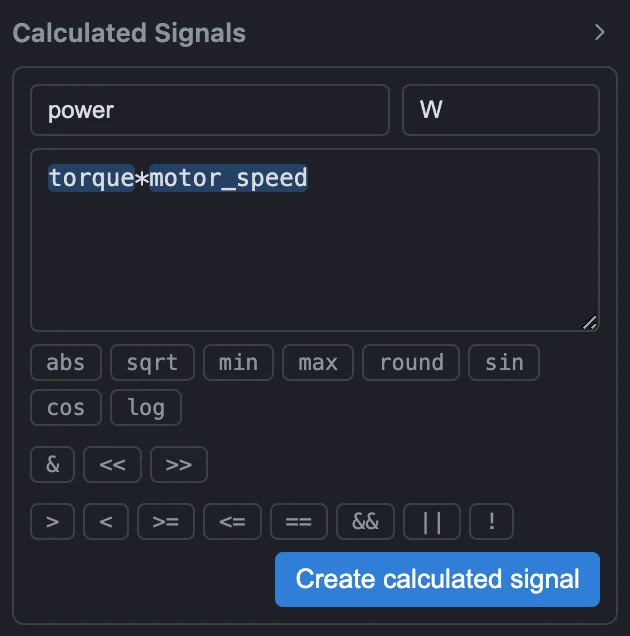
Virtual Sensor Training
Train Random Forest, XGBoost, or Neural Network models on your own measurement data, whether that's a single file, several files, or a whole folder of recordings at once, even if different files name the same signal differently. Any of the three model types can auto-tune its own hyperparameters (Bayesian, random, grid, or surrogate search) instead of requiring hand-picked values.
Learn more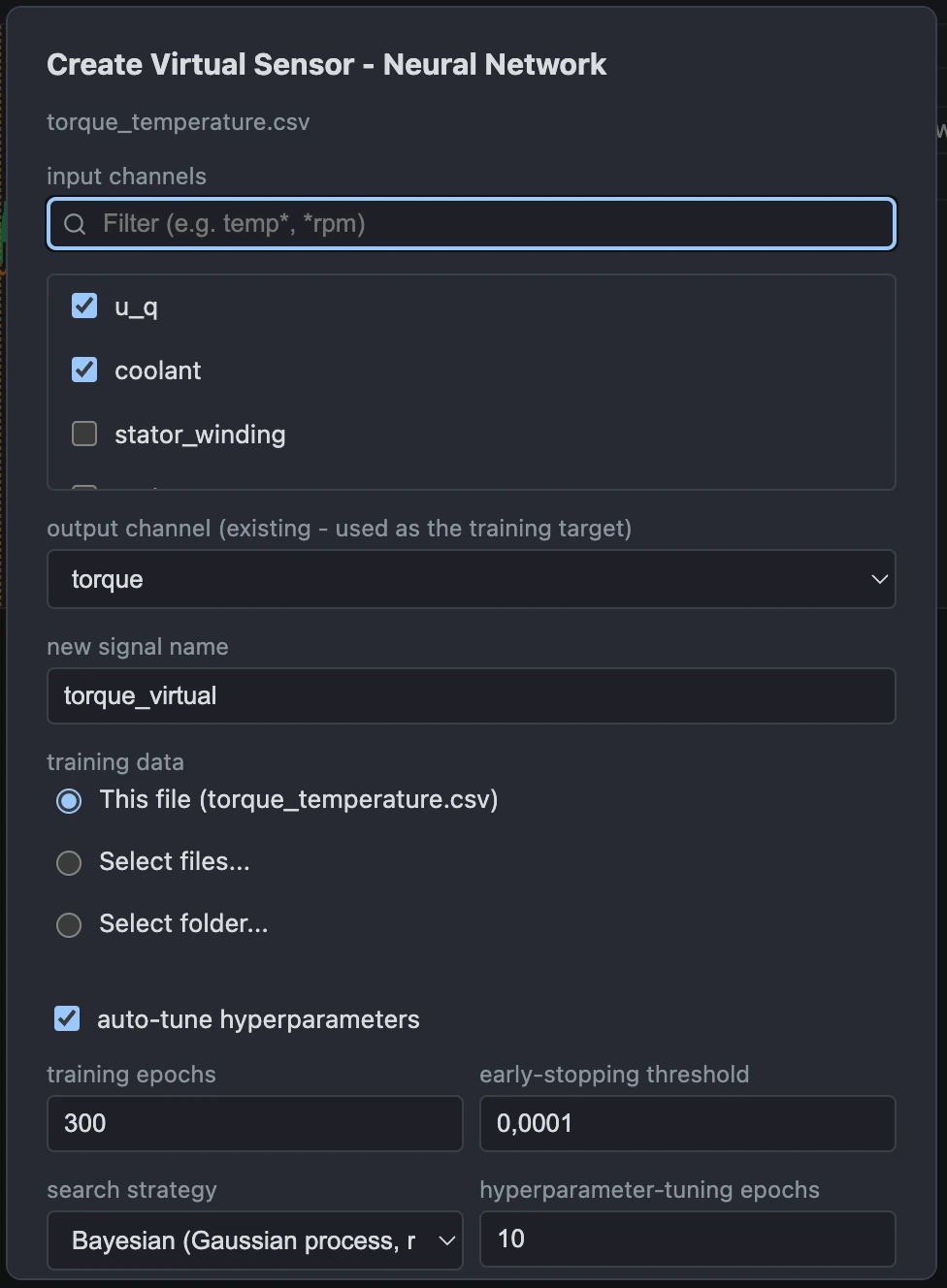
Model Competition
Train several model types concurrently on the same data, rank them by held-out validation accuracy, then export any entry from the leaderboard.
Learn more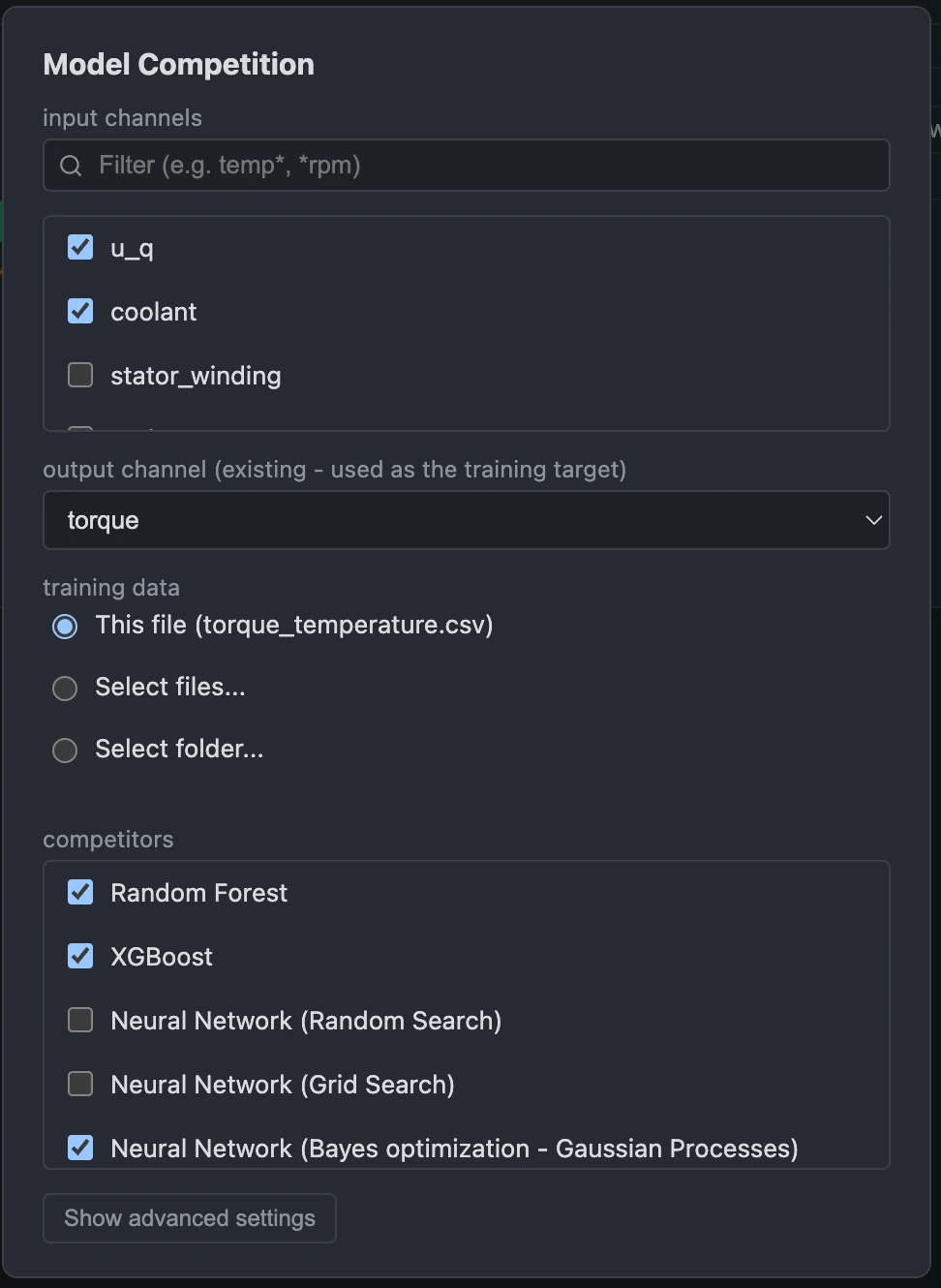
Standalone Code Export
Export any trained model to C, C++, Python, or MATLAB, in full precision or int8-quantized, with a live size and accuracy preview before you save, so you know exactly what you're shipping. An exported C, C++, or Python model already on disk can be imported back in to run against newly loaded measurement data, no retraining required.
Learn more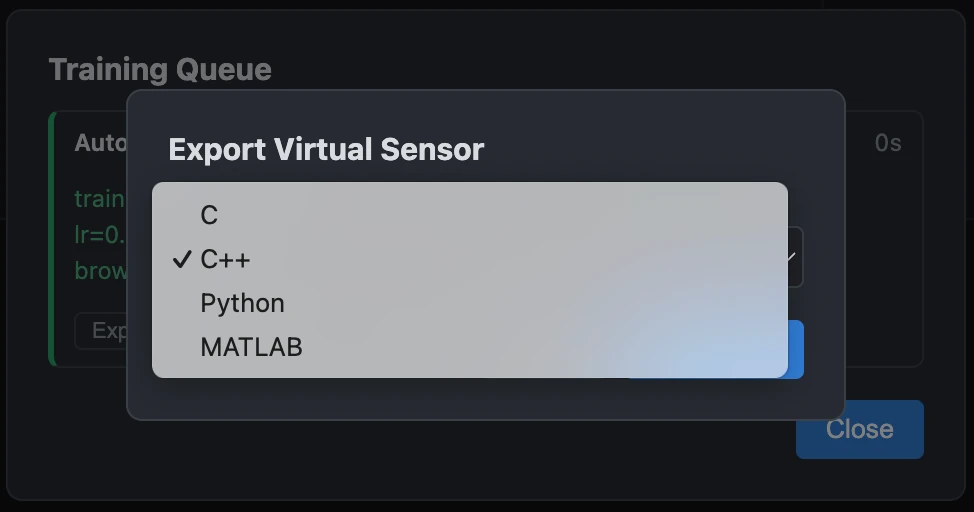
Save & Share Sessions
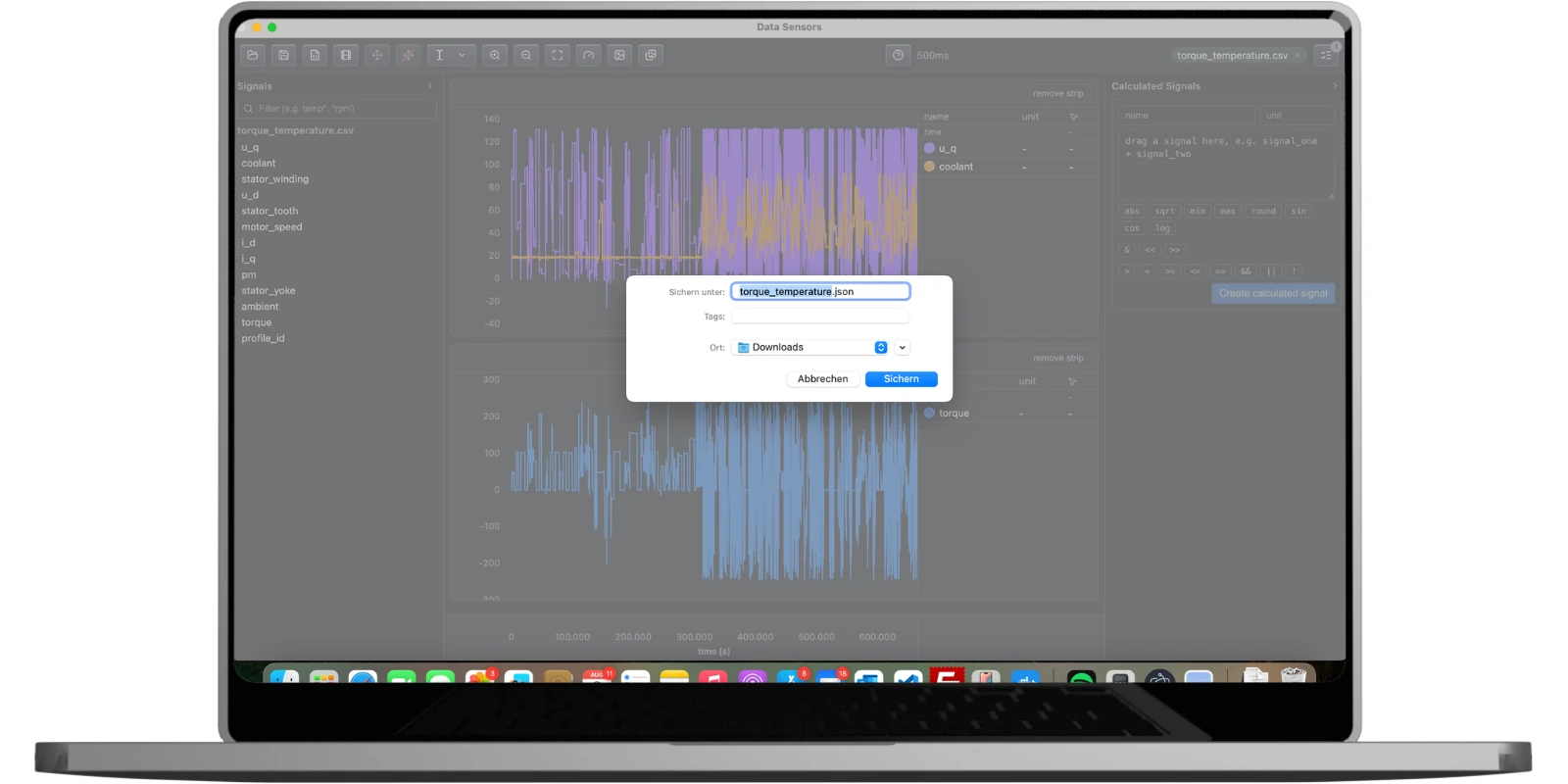
Save a whole session, including strip layout, signals, calculated signals, virtual sensor signals, and strip background color, as a single config file to reopen later or hand to a colleague. Export any strip, or all of them, as a PNG for a report.
Licensing Without Accounts
No sign-in, no usage data, no phone-home. A license file (or a company-run license server for teams) is the only requirement.
Learn more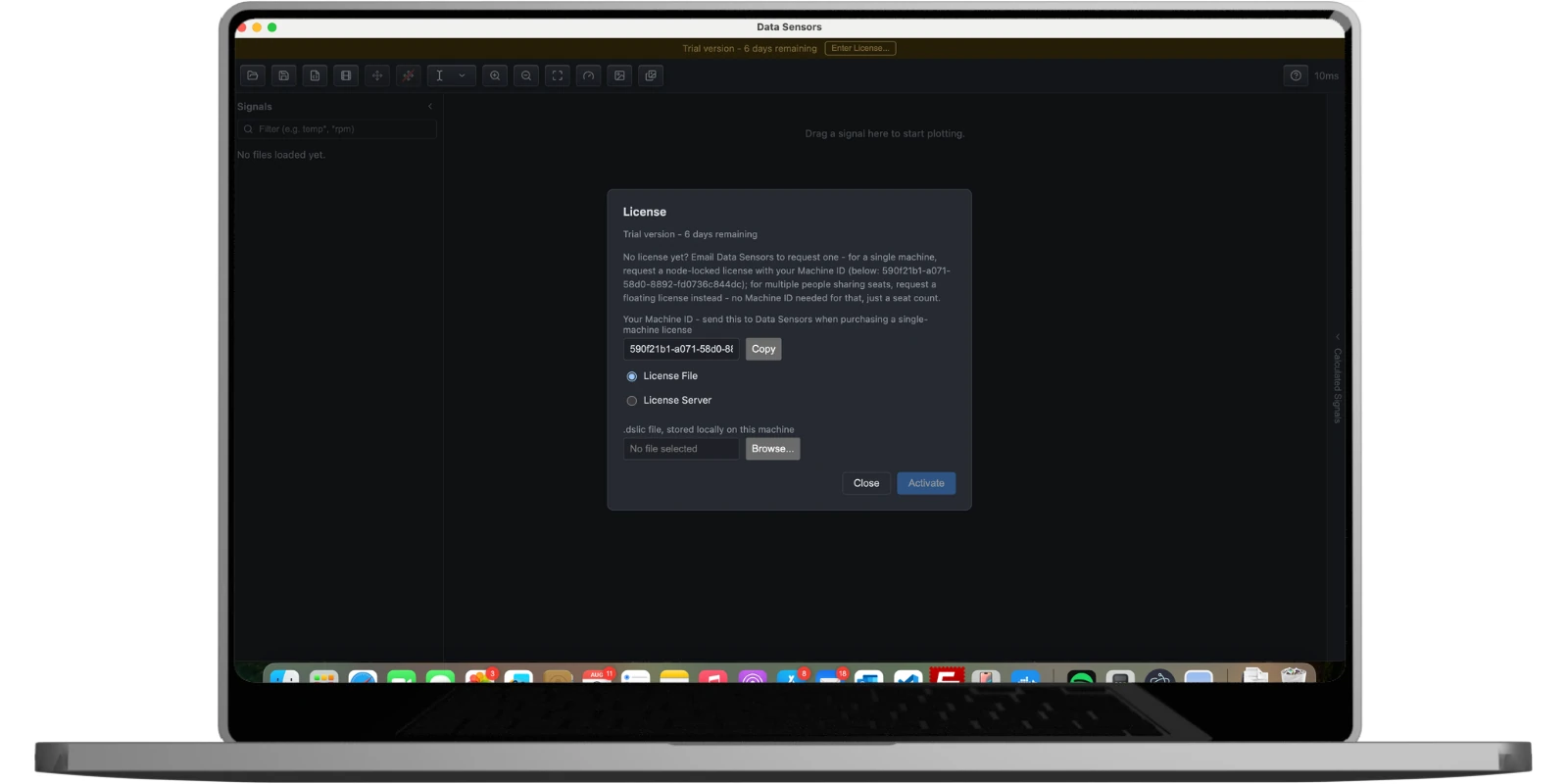
Pricing
Every tier can view measurement data and Simulink/Stateflow models, and train and evaluate virtual sensors. Exporting a trained model to deployable code requires a Virtual Sensor license.
Trial
View & train, seven days
€0
- 7 days, starting from first launch
- View measurements & Simulink models
- Train & compare virtual sensors
- No account or credit card needed
Viewer
Single machine, view & train
€1,000/year
excl. VAT
- Licensed to one machine
- Measurement & Simulink/Stateflow viewer
- Train & compare virtual sensors
- Free updates for the license term
- Email support
Virtual Sensor
Single machine, full export rights
€10,000/year
excl. VAT
- Everything in Viewer
- Export to C, C++, Python & MATLAB
- Use exported code in your own products, royalty-free
- Free updates for the license term
- Priority email support
Floating (Team)
Minimum 5 concurrent users
Custom/year
- From 5 seats, shared across your team
- Viewer or Virtual Sensor capability
- Self-hosted license server (Docker or plain Node)
- Contact us for volume pricing
Our software licences are charged as a fixed annual price per workstation. Your costs therefore stay the same regardless of how many vehicles you later build in series. There are no per-unit fees. What that amounts to at series volume is worked through in the cost example.
Prices shown in EUR, excluding VAT where applicable. Licenses run for a 1‑year term; renewal is a new license file, no reinstall required.