Train a Virtual Sensor From Measurement Data
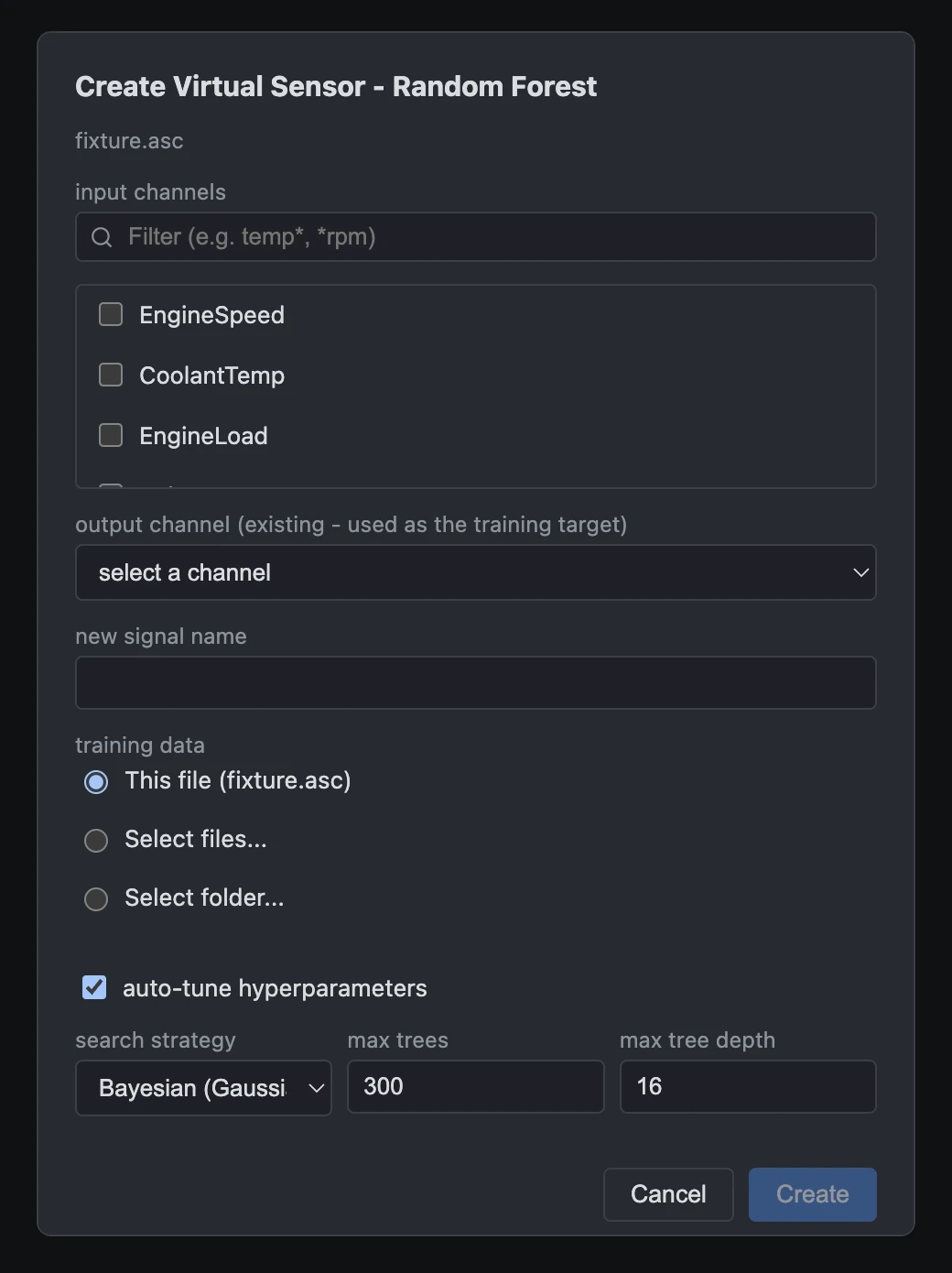
Data Sensors trains Random Forest, XGBoost, and Neural Network models directly on your own recordings - no cloud upload, no labeling pipeline, no separate Python environment to maintain. Select a measurement file, pick the input channels and the target channel to reproduce, and train a model against them.
One file, several files, or a whole folder
Most sensor-modeling tools assume your training data lives in one file. Measurement campaigns rarely work that way - a data logger fills up, a test gets split across sessions, or you want to train on every drive cycle you've recorded, not just the last one. Data Sensors trains sequentially across as many files as you point it at, concatenating them into one dataset, and even handles files where the same physical signal was logged under a different channel name - a mapping table lets you assign the right channel per file, once, and reuse that mapping later as a saved CSV.
Random Forest, XGBoost, or Neural Network
There's no single best model family for every sensor-modeling problem - a Random Forest is often the fastest path to a solid baseline, gradient-boosted trees (XGBoost) can squeeze out more accuracy on structured tabular signals, and a Neural Network is usually the better fit when the relationship between inputs and target is smooth and highly non-linear. Data Sensors lets you train any of the three directly, and - if it isn't clear which performs best on your data - the Model Competition feature trains all of them at once and ranks them for you.
Auto-tuning without hand-picked hyperparameters
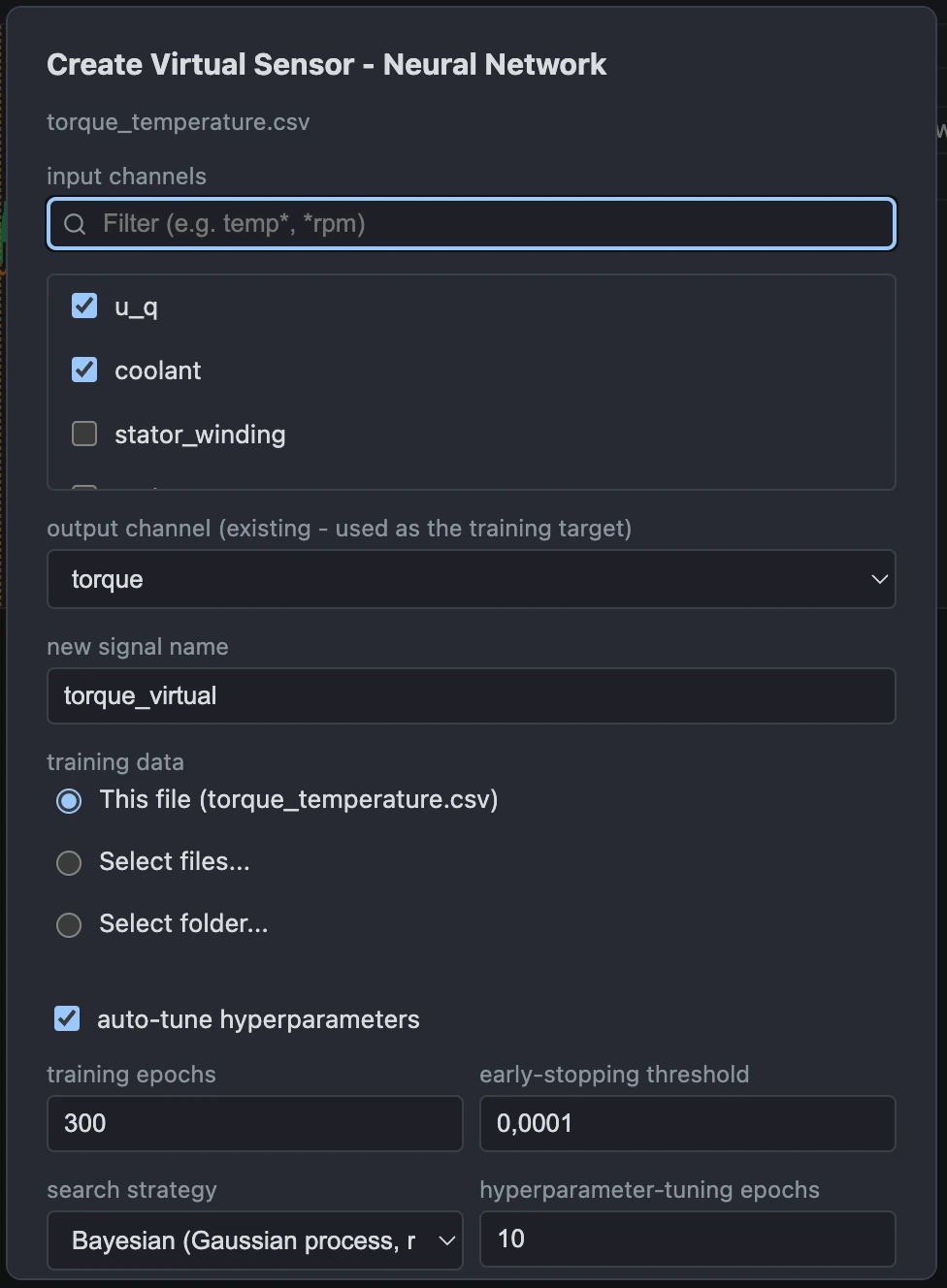
All three model types can auto-tune their own hyperparameters instead of requiring hand-picked values. Random Forest searches tree count, max depth, and minimum leaf size; XGBoost searches tree count, max depth, and learning rate; Neural Network searches layer count, neurons per layer, and learning rate. Every model type can be auto-tuned using Bayesian optimization (Gaussian process, the default), random search, grid search, or a Random Forest/XGBoost surrogate strategy - whichever fits how much compute time you're willing to spend. When training on multiple files, the search itself runs against a single representative file to stay fast, then the winning configuration is retrained on the full multi-file dataset.
From training to standalone code, without leaving the app
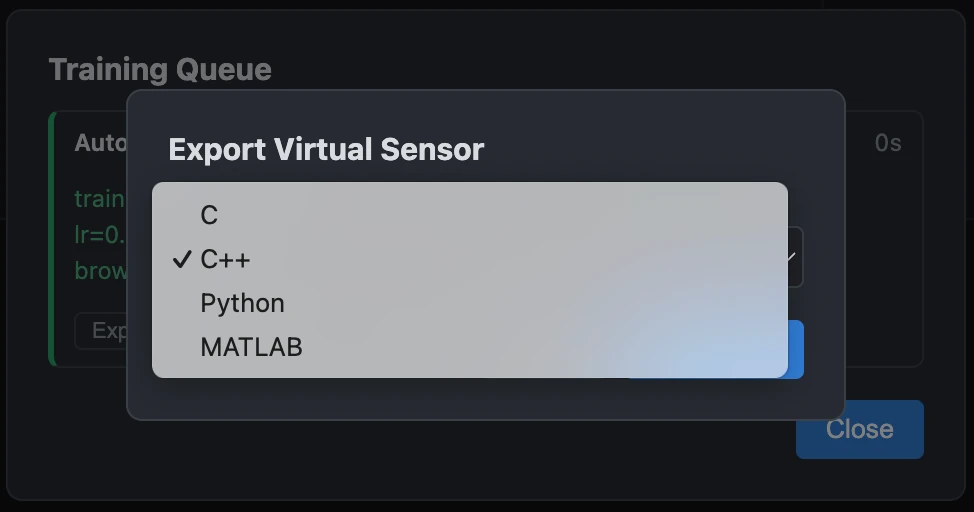
A trained model is only useful once it runs outside the desktop app - on an ECU, in a Simulink block, or inside a Python analysis script. Every model Data Sensors trains can be exported directly to C, C++, Python, or MATLAB, in full precision or int8-quantized, with a live size and accuracy preview before you save. See Model Competition for training several model types at once and comparing them before you export.
Every trained sensor lives in its own Virtual Signals panel
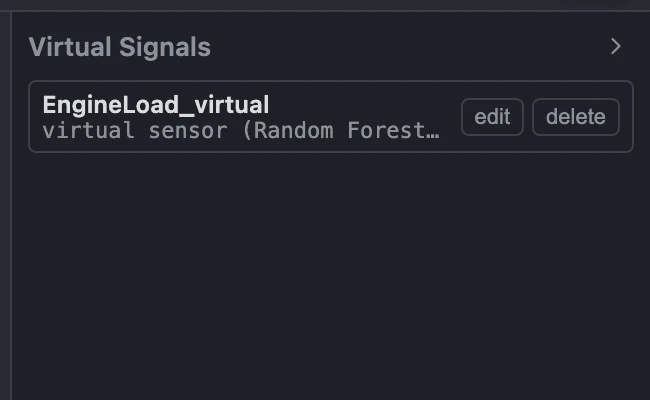
Every model you train - whether from this dialog, from a Model Competition entry, or from importing a previously-exported C, C++, or Python model back in - shows up as a signal in a dedicated Virtual Signals panel, separate from your measured channels and calculated signals. Rename or delete any of them at any time; renaming enforces the same unique-name check used everywhere else in the app, so a virtual sensor can never collide with a measured channel or a calculated signal. An exported model already on disk can be imported back in - map its input channels once, and it runs directly against your currently loaded measurement, no retraining required.