Virtual Signals panel and importing models
Every model you train - from the single-model dialog or added from a competition leaderboard - becomes a signal in its own Virtual Signals panel, kept separate from formula-based calculated signals. Rename or delete any of them at any time; renaming goes through the same name-uniqueness check used everywhere else, so a virtual sensor signal can never collide with a measured channel or a calculated signal.
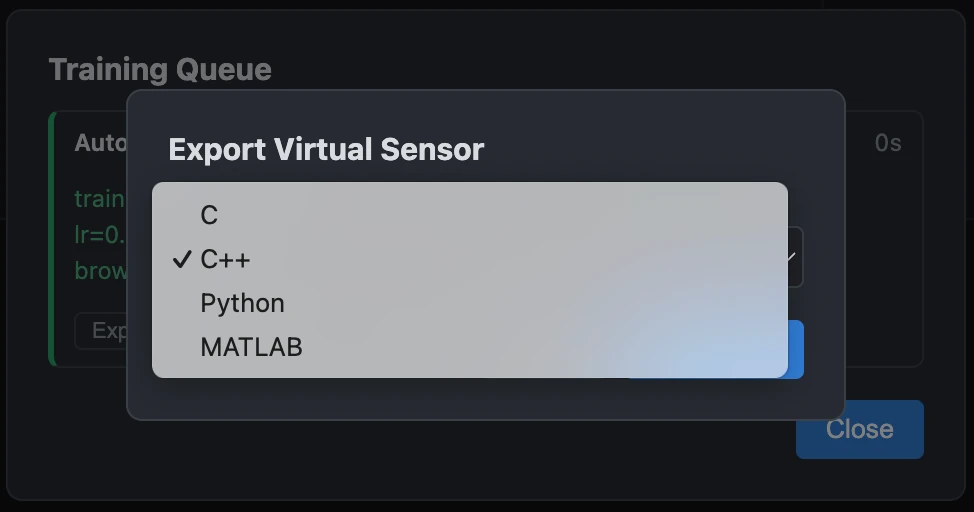
If you already have a model exported to C, C++, or Python from an earlier session, Virtual Sensor > Import Virtual Sensor... brings it back in: pick the file (a compiler for C/C++, or a Python interpreter, is auto-detected with a manual fallback either way). Its input channels and their original training order are recovered directly from the file itself; if one of those channels isn't among the currently loaded measurement's own signals - a differently-named but otherwise equivalent recording - a mapping table lets you assign it instead of losing the whole automatic match, and that assignment is remembered as an alias for next time. An older export with no such record can't be imported at all - there's no reliable way to know which channels its inputs are, so re-export the model from this app to pick it up here. Once the inputs are resolved, give the result a signal name. The model then runs directly against the currently loaded measurement and the prediction is added as an ordinary, plottable signal. This is prediction reuse, not re-entry into a competition: an imported model is not a competition leaderboard candidate and isn't scored against one.