Getting started
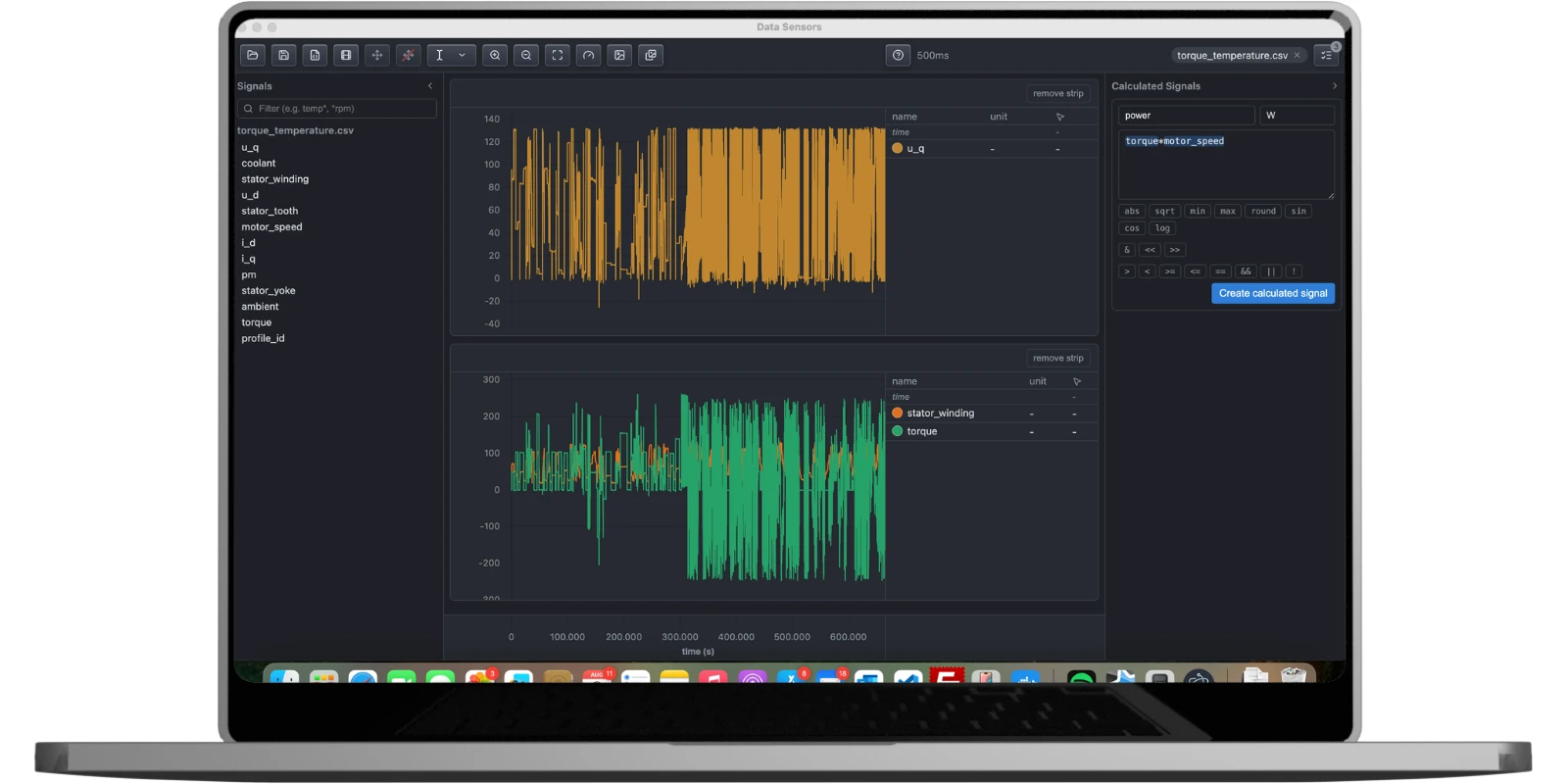
Open a measurement file - CSV, MAT, MDF/MF4, or TXT - and Data Sensors aligns every channel in it onto one shared time axis - its own native one for CSV, MAT, and TXT files that already share one, or a resampled uniform grid for MDF/MF4 (which can mix several native rates internally) - so signals that were originally logged at different rates line up correctly from the first strip you build, with no manual alignment step. Drag a channel from the left-hand signal list onto the plotting area to add it to a strip, or drop it onto an existing strip's values table to add it there instead of creating a new strip.
You can also import a CAN or CAN FD bus trace (.asc or .blf) decoded against its signal database (.dbc) via File > Import CAN Trace... - Data Sensors handles the bit-level decoding itself, including multiplexed signals, both Motorola/Intel byte orders, and CAN FD's longer, up-to-64-byte payloads, so the decoded channels show up exactly like any other measurement, ready to plot, slice, or train a virtual sensor on.